Planning to apply for JEE Main 2027? Follow this step by step guide to register using e Pramaan, understand DigiLocker re KYC, check important dates, required documents and complete the NTA
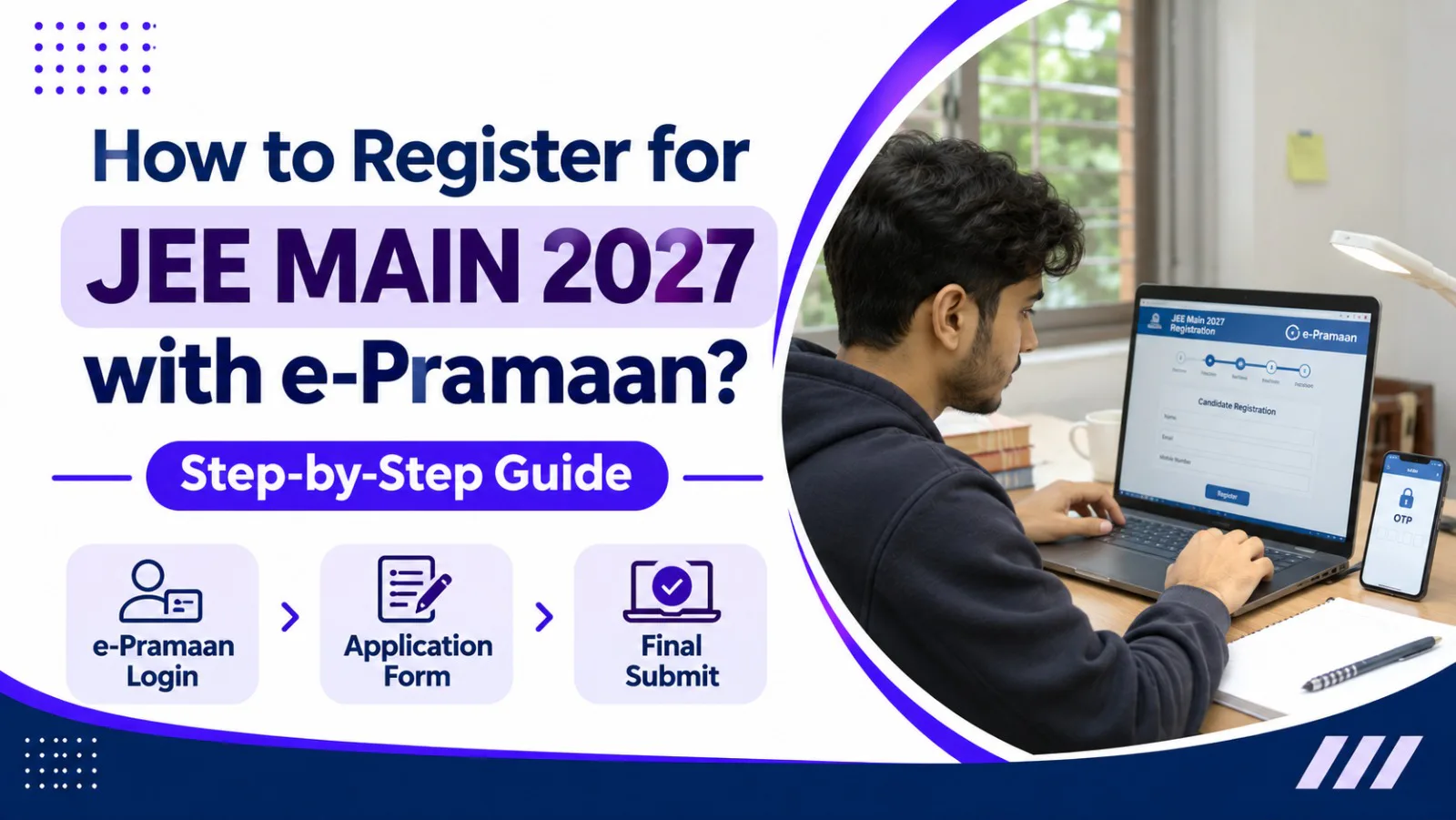
The National Testing Agency (NTA) has started the registration process for Joint Entrance Examination (JEE) Main 2027 Session 1. Students planning to pursue undergraduate engineering programmes such as BTech and BE at IITs (through JEE Advanced), NITs, IIITs and other participating institutions should understand the updated registration process before applying.
For JEE Main 2027, NTA has introduced important instructions related to digital identity verification. Candidates are advised to use their own DigiLocker, JanParichay or e-Pramaan (MeriPehchaan) login credentials while accessing the application process. The agency has also advised applicants to complete Aadhaar re-KYC through DigiLocker before filling out the application form.
Many students are now searching for information about e-Pramaan registration, account creation, OTP verification and how to use these credentials while applying for JEE Main 2027.
What Is e-Pramaan in JEE Main 2027 Registration?
e-Pramaan is a digital identity and authentication platform developed under the Government of India's MeriPehchaan initiative. It provides a secure way for users to establish and verify their digital identity when accessing supported online services.
For JEE Main 2027, candidates can use their e-Pramaan (MeriPehchaan) credentials as one of the available identity authentication options.
The platform supports different authentication methods, including OTP-based and password-based authentication.
The purpose of using digital identity services is to help maintain consistency in candidate information and reduce identity verification problems during different stages of the examination process.
Important: e-Pramaan is not compulsory for every JEE Main 2027 applicant. Candidates can also use their own DigiLocker or JanParichay credentials as available on the NTA registration portal.
JEE Main 2027 Registration: Important Dates
Before starting the application process, candidates should check the important dates announced by NTA.
Events | Important Dates |
|---|---|
Session 1 Registration Starts | 24 October 2026 |
Last Date to Apply | 22 November 2026 |
Last Date for Fee Payment | 22 November 2026 |
Late Application Window | 23–26 November 2026 |
Late Fee | ₹500 |
Correction Window | 27–29 November 2026 |
Exam City Intimation | 30 December 2026 |
Admit Card Availability | 13 January 2027 |
Session 1 Examination | 20, 21, 22, 23, 24 and 28 January 2027 |
These dates are based on the NTA public notice dated 24 October 2026. Candidates should check the official website regularly for any revised notifications.
Documents Required for JEE Main 2027 Registration
Candidates should keep the necessary documents and personal details ready before starting the application process. This helps reduce errors and makes registration easier.
The commonly required information and documents include:
Class 10 marksheet or certificate.
Class 12 details or equivalent examination information.
Recent passport-size photograph as per NTA specifications.
Scanned signature.
Valid mobile number.
Active email address.
Category certificate, if applicable.
PwD or PwBD-related certificate, if applicable.
Details required for identity verification.
Payment method for the examination fee.
Candidates should refer to the latest JEE Main 2027 Information Bulletin for the exact document specifications, image size, file format and category-related requirements.
How to Register on e-Pramaan for JEE Main 2027?
Candidates who want to use e-Pramaan can create their accounts through the official MeriPehchaan registration platform.
The Government of India provides a simple registration process involving mobile number verification and basic personal details.
Follow these steps to create an account.
Step 1: Visit the Official e-Pramaan Website
Open the official e-Pramaan website:
Navigate to the user login or registration option to access the MeriPehchaan account creation facility.
Step 2: Select the New User Registration Option
On the registration page, select the option labelled "New user? Sign up for MeriPehchaan".
This option allows new users to create their digital identity account.
Step 3: Enter Your Mobile Number
Enter an active mobile number in the required field.
Make sure you have access to the registered mobile number because an OTP will be sent for verification.
Step 4: Generate and Verify OTP
Click on the "Generate OTP" option.
You will receive a one-time password on your registered mobile number. Enter the OTP in the provided field and select "Verify OTP".
This step confirms your mobile number.
Step 5: Fill in the Required Details
After successful mobile verification, complete the registration form by entering the required personal and account details.
Carefully review the information before moving to the next step.
Step 6: Submit the Registration Form
After completing the required information, click on the "Submit" option.
Once the registration process is successful, your e-Pramaan account will be created.
Candidates should keep their login credentials secure and avoid sharing passwords or OTPs with anyone.
How to Apply for JEE Main 2027 Using e-Pramaan?
After creating an e-Pramaan account, candidates can proceed to the JEE Main application process.
Follow the steps below carefully.
Step 1: Visit the Official JEE Main Website
Open the official NTA JEE Main website:
On the homepage, find the link for "Online Application Form for JEE (Main) 2027 – Session 1".
Click on the application link to proceed.
Step 2: Open the Registration and Login Process
Read the instructions displayed on the website carefully.
Proceed to the candidate login or registration section and follow the available digital identity authentication options.
Step 3: Select e-Pramaan or MeriPehchaan
When the identity authentication options are displayed, select the e-Pramaan (MeriPehchaan) option if you want to use this service.
You may also choose another available option, such as DigiLocker or JanParichay.
Step 4: Complete Identity Authentication
Proceed with the e-Pramaan login process using your registered credentials.
Complete the authentication steps displayed on the screen. Depending on the selected method, you may need to verify your identity using an OTP or other supported authentication method.
After successful authentication, follow the instructions to continue to the JEE Main application process.
Step 5: Fill in Personal Information
Enter the required personal details in the application form.
These may include:
Candidate's full name.
Date of birth.
Gender.
Nationality.
Category.
Contact details.
Permanent and correspondence address.
Other information requested by NTA.
Important: NTA has specifically advised candidates to ensure that their name and date of birth match the details mentioned in their Class 10 certificate or marksheet.
Step 6: Enter Academic Details
Provide your educational information as requested in the application form.
Candidates should carefully enter their Class 10 and Class 12 details, qualifying examination information and other academic particulars.
Check the details before proceeding.
Step 7: Select Examination Details
Choose the required examination paper and provide the relevant examination preferences requested in the form.
For students applying for BTech or BE programmes, Paper 1 is relevant.
Candidates interested in BArch or BPlanning programmes should check the applicable Paper 2 options and eligibility requirements.
Step 8: Upload Photograph and Signature
Upload the required photograph and signature according to the specifications mentioned in the JEE Main 2027 Information Bulletin.
Make sure the images are clear and meet the prescribed file size and format requirements.
Step 9: Pay the Application Fee
After completing the application form, proceed to the payment section.
NTA provides online payment options, including:
Credit Card
Debit Card
Net Banking
UPI
The applicable examination fee depends on the candidate's category, gender, examination paper and other details.
Check the fee displayed on the official payment page before completing the transaction.
Step 10: Submit the Application Form
After successful payment, review all the information entered in the application form.
Check your personal details, academic information, examination preferences and uploaded documents.
Submit the application form after confirming that everything is correct.
Step 11: Download the Confirmation Page
After successful submission, download and save the confirmation page.
Candidates should keep a copy of the confirmation page and payment receipt for future reference.
It is also advisable to save the application number and other login details safely.
How to Complete Aadhaar Re-KYC Through DigiLocker Before JEE Main 2027 Registration?
Along with digital identity authentication, NTA has advised candidates to complete Aadhaar re-KYC through DigiLocker before filling out the JEE Main 2027 application form.
This process helps ensure that the latest Aadhaar-related details are available for identity verification.
Candidates can follow these general steps:
Step 1: Log in to DigiLocker
Visit the official DigiLocker website:
https://www.digilocker.gov.in/
Log in using your own account.
Step 2: Open Issued Documents
After logging in, navigate to the "Issued Documents" section.
Locate the Aadhaar document available in your account.
Step 3: Refresh the Aadhaar Document
Find the three-dot menu next to the Aadhaar document and select the "Refresh" option, as described in the NTA advisory.
Step 4: Provide Required Consent
Read the consent instructions displayed on the screen and provide the required permission for Aadhaar authentication.
Step 5: Complete OTP Verification
Enter the OTP received on your Aadhaar-registered mobile number to complete the authentication process.
Step 6: Confirm Re-KYC Completion
Wait for the process to finish successfully.
Candidates can then refresh other relevant documents in DigiLocker if required.
The exact screen layout may differ depending on the website or application version.
Is e-Pramaan Mandatory for JEE Main 2027 Registration?
No, e-Pramaan is not mandatory for JEE Main 2027 registration.
According to NTA's advisory dated 28 October 2026, candidates are advised to use their own DigiLocker, JanParichay or e-Pramaan (MeriPehchaan) credentials for the registration and identity verification process.
Candidates can select the available authentication option that works for them.
However, NTA has separately advised candidates to complete Aadhaar re-KYC through DigiLocker before filling out the application form.
Therefore, students should not confuse e-Pramaan registration with the DigiLocker re-KYC process. They are separate processes serving different purposes.
Common Mistakes to Avoid During JEE Main 2027 Registration
While filling out the application form, candidates should pay attention to small details. Even minor errors can create problems during application verification.
Here are some common mistakes students should avoid.
1. Using Someone Else's Login Credentials
Candidates should use their own DigiLocker, JanParichay or e-Pramaan credentials rather than using another person's account.
2. Incorrect Name or Date of Birth
The candidate's name and date of birth should match the details mentioned in the Class 10 certificate or marksheet.
3. Uploading Incorrect Documents
Photographs, signatures and other required documents should follow the official NTA specifications.
4. Waiting Until the Last Date
Students should avoid waiting until the final registration day. Technical problems, OTP delays or payment failures may create unnecessary difficulties.
5. Not Checking Payment Status
After completing the payment, verify whether the transaction was successful and whether the confirmation page is available.
6. Submitting Multiple Application Forms
NTA has instructed candidates to submit only one application form. Multiple applications can lead to strict action under the examination rules.
7. Not Checking Official Notifications
Candidates should regularly visit the NTA website to stay informed about registration instructions, correction windows and other examination updates.
JEE Main 2027: What Happens After Registration?
After successfully submitting the application form, candidates should continue checking the official website for further examination updates.
The following stages are important:
1. Application Form Correction
NTA has scheduled a correction window from 27 November to 29 November 2026 for the Session 1 application form.
Candidates should check the official notice to understand which details can be corrected.
2. Examination City Intimation
The examination city intimation slip is scheduled to be released on 30 December 2026.
It provides advance information about the city where the candidate's examination centre will be located.
3. Admit Card Download
The Session 1 admit card is scheduled for release on 13 January 2027, according to the initial NTA schedule.
Candidates should download it from the official website when available.
4. JEE Main 2027 Session 1 Examination
The examination is scheduled for 20, 21, 22, 23, 24 and 28 January 2027.
Candidates should check their individual admit cards for the exact date, shift and examination centre.
5. Result and Counselling
After the examination and result declaration, eligible candidates can explore the applicable admission and counselling processes.
Students targeting NITs, IIITs and other participating institutions should follow JoSAA and CSAB announcements where applicable.
Students aiming for IIT undergraduate programmes must also qualify for JEE Advanced and follow the relevant admission process.
ALSO READ
1. https://www.collegeforme.in/blog/jee-main-session-1
2.
https://www.collegeforme.in/blog/when-and-how-to-start-giving-jee-mock-tests?
3.
https://www.collegeforme.in/blog/jee-dropper-vs-fresher-best-preparation-strategy-tips
Conclusion
Registering for JEE Main 2027 is an important step for students planning to pursue engineering at leading institutions in India.
With the introduction of digital identity authentication options, candidates should understand how DigiLocker, JanParichay and e-Pramaan work before beginning the registration process.
Candidates should pay special attention to their personal details, Aadhaar re-KYC, academic information, uploaded documents and payment status. Keeping track of official dates and downloading the confirmation page after successful submission can help avoid unnecessary registration problems.
Frequently Asked Questions (FAQs)
1. What is e-Pramaan in JEE Main 2027?
e-Pramaan is a digital identity and authentication service available through the Government of India's MeriPehchaan platform. Candidates can use their e-Pramaan credentials as one of the available identity authentication options while applying for JEE Main 2027.
2. Is e-Pramaan compulsory for JEE Main 2027 registration?
No. e-Pramaan is not compulsory. Candidates can also use their own DigiLocker or JanParichay credentials through the available authentication options.
3. How can I register on e-Pramaan?
Visit the official e-Pramaan website, select the new user registration option, enter your mobile number, verify the OTP, fill in the required details and submit the form.
4. What is the official website for JEE Main 2027 registration?
The official website for JEE Main 2027 registration is https://jeemain.nta.nic.in/.
5. Why has NTA advised candidates to complete Aadhaar re-KYC through DigiLocker?
NTA has advised candidates to complete Aadhaar re-KYC through DigiLocker to ensure that their latest details are fetched before filling out the application form and to help avoid identity verification discrepancies.
6. What is the last date to apply for JEE Main 2027 Session 1?
According to the NTA notice dated 24 October 2026, the last date for regular Session 1 application submission and fee payment is 22 November 2026, up to 11:50 PM.
7. Can I use my parent's e-Pramaan account for JEE Main registration?
NTA advises candidates to use their own DigiLocker, JanParichay or e-Pramaan credentials. Candidates should not use another person's digital identity account for their application.
8. What should I do if I do not receive an OTP during e-Pramaan registration?
Check your mobile network and confirm that you have entered the correct mobile number. If the OTP is delayed, try again after some time. You can also refer to the official e-Pramaan help and FAQ section.
9. What happens after submitting the JEE Main 2027 application form?
After successful submission, candidates should save their confirmation page and payment receipt. They should then follow NTA announcements regarding the correction window, examination city slip, admit card and examination.
10. Can I apply for both JEE Main 2027 sessions?
NTA has announced two examination sessions for 2027. Candidates can apply for Session 1 first, while a separate application opportunity will be provided for Session 2. Candidates who apply for Session 1 can use the same application number when applying for Session 2, as per NTA instructions.
11. What is the JEE Main 2027 Session 1 examination date?
The Session 1 examination is scheduled for 20, 21, 22, 23, 24 and 28 January 2027, according to the initial NTA schedule.
12. Where can I check the latest JEE Main 2027 updates?
Candidates should regularly visit the official NTA JEE Main website at https://jeemain.nta.nic.in/ for registration notices, application updates, examination dates and other important announcements.
Topics
Aditya Rai
An education enthusiast dedicated to helping students navigate their academic journey. Writing about colleges, courses, career paths, and everything to help you make informed decisions about your future.
Need help choosing the right college?
Talk to our verified counsellors — completely free. Get personalised guidance for JEE, NEET, CAT & more.
Book Free Counselling SessionComments
- Class 10 marksheet or certificate.
- Class 12 details or equivalent examination information.
- Recent passport-size photograph as per NTA specifications.
- Active email address.
- Category certificate, if applicable.
- PwD or PwBD-related certificate, if applicable.